Quickly switch between applications
Isolate applications in Spaces
Customizable hotkeys
Easily switch between windows
Customize appearance
Hide unused apps



When you have many Mac programs open, switching between them can be slow and inconvenient.
Command-Tab Plus is an alternative to the built-in macOS Application Switcher.
Official download from MacPlus Software · Version 2.9.13 ·
Built natively for Intel & Apple Silicon. Requires macOS 14 (Sonoma) or later.
Fully compatible with the latest version of macOS Tahoe.

Using digital shortcuts, you can quickly select the application you want without tapping a bunch of keys!
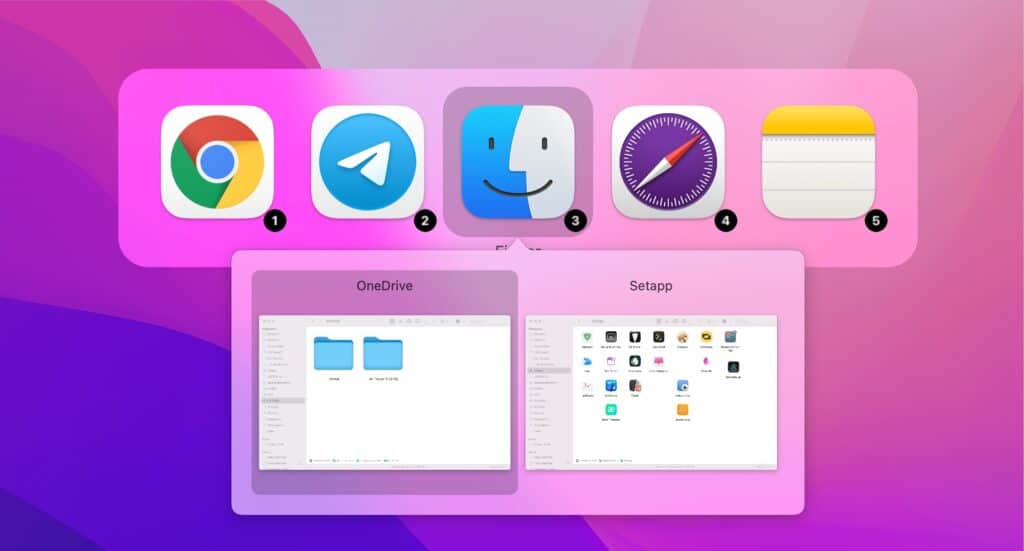
To quickly switch between windows of the selected application, call Command-Tab Plus and then press Z or ~.
To see the windows of all your apps in one Exposé-style overview, try Quick Exposé 3.
By default, Command-Tab Plus displays only the icons of the apps running on the current display or space. You can disable this in the app settings.
Command-Tab Plus hides inactive (hidden) apps, so you can switch between the apps you are using without background apps appearing in the switcher.

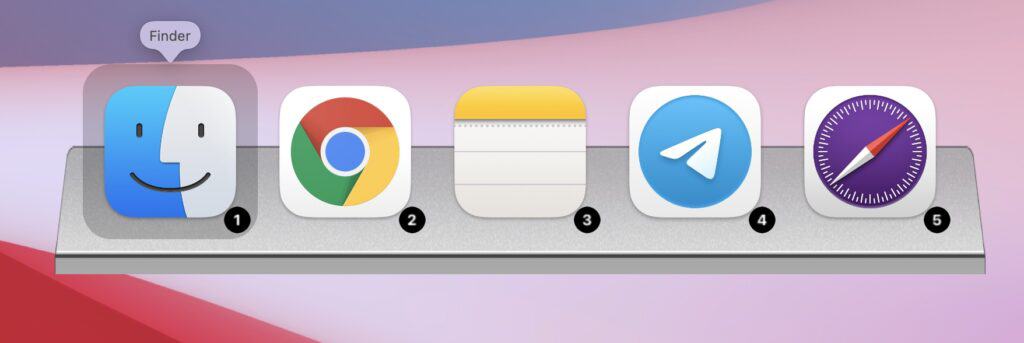
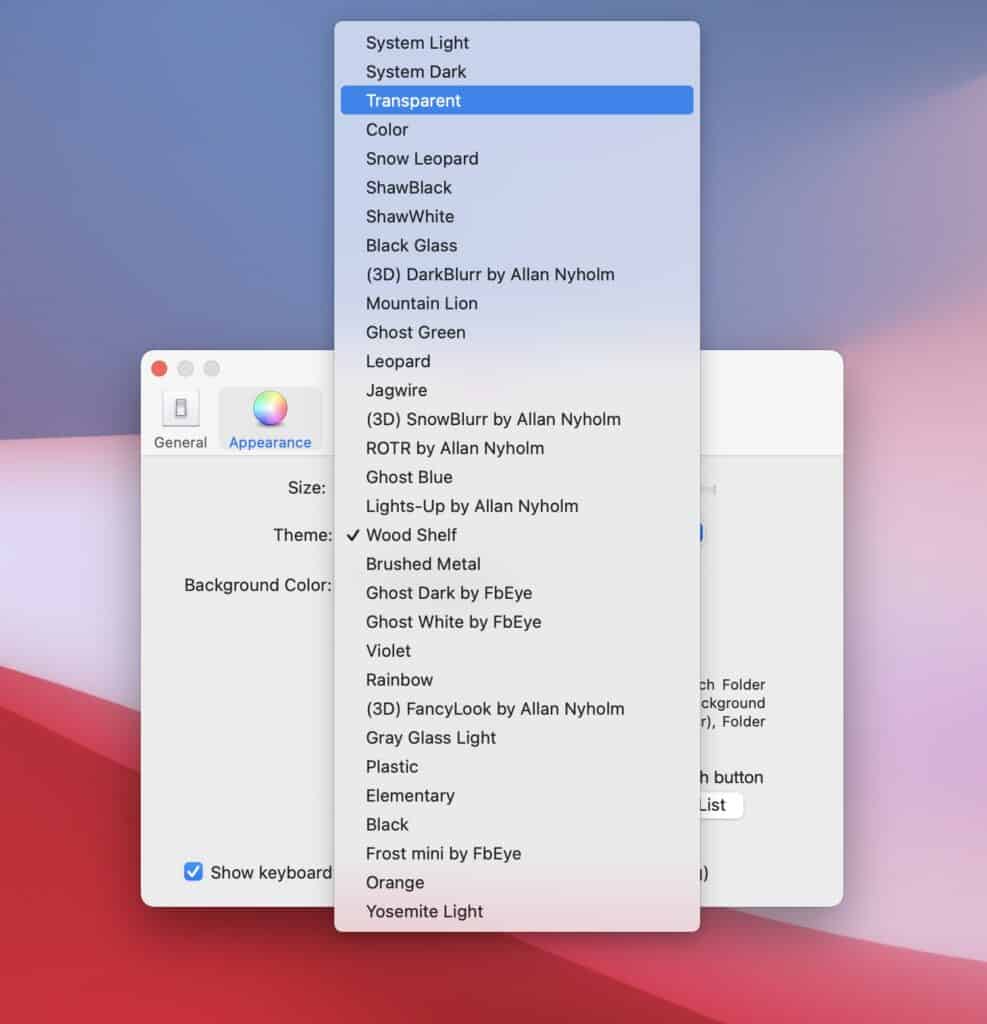
You can use the built-in skins or create your own.
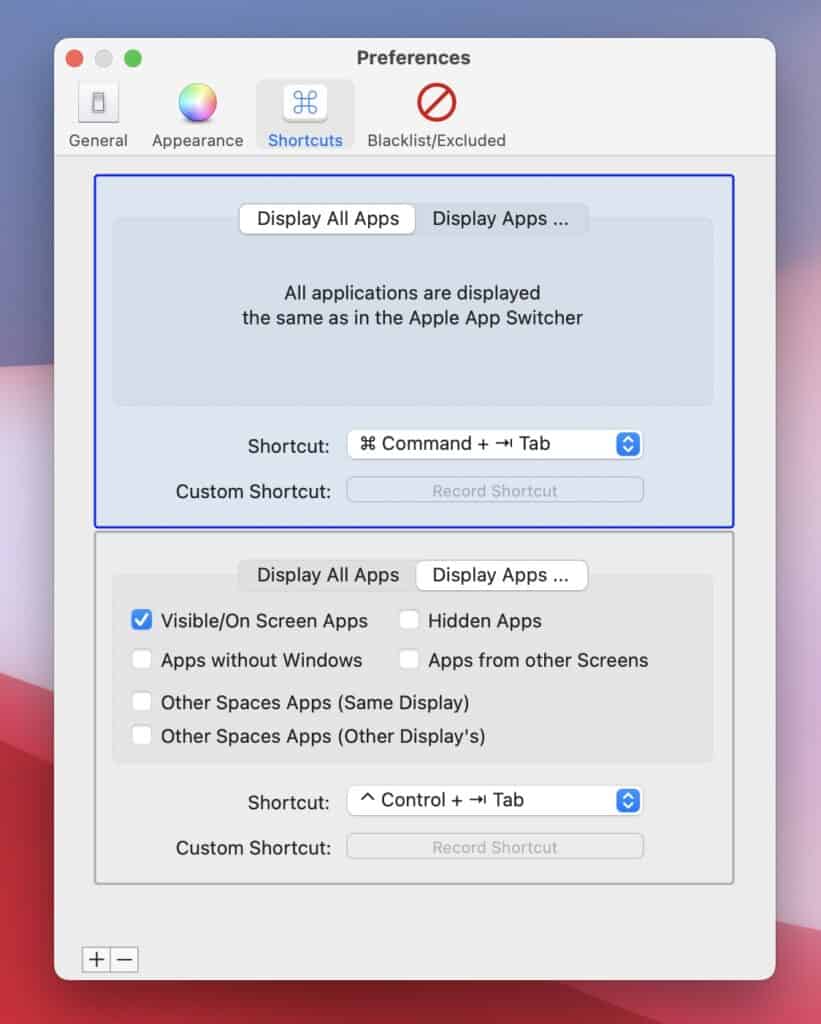
You can use Command + Tab (⌘ + ⇥), Option + Tab (⌥ + ⇥), Alt + Tab (⌥ + ⇥)
or any other keyboard shortcut you prefer to bring up the application switcher.
Native support for Apple Silicon and Intel Chips





CMD+TAB is my favorite shortcut, right behind CMD+C & V.
This might take some getting use to but could be a nice productivity-booster for those switching between apps frequently.
 Ryan Hoover
As a web developer, I’m tabbing between windows all day long. Ran the trial for about 30 minutes, before paying for a license. Great job!
 Mubashar Iqbal
I read the product description and I knew that this is something I need. Didn’t even bother to go for the free trial. I went ahead with the ‘Buy Now’ button.
 A.Fairiz
Official download from MacPlus Software · Version 2.9.13 ·
Built natively for Intel & Apple Silicon. Requires macOS 14 (Sonoma) or later.
Fully compatible with the latest version of macOS Tahoe.
Previous versions (works on macOS High Sierra (10.13) or higher) can be downloaded from the links:
https://noteifyapp.com/download/Command-Tab-Plus-276.dmg